
Software
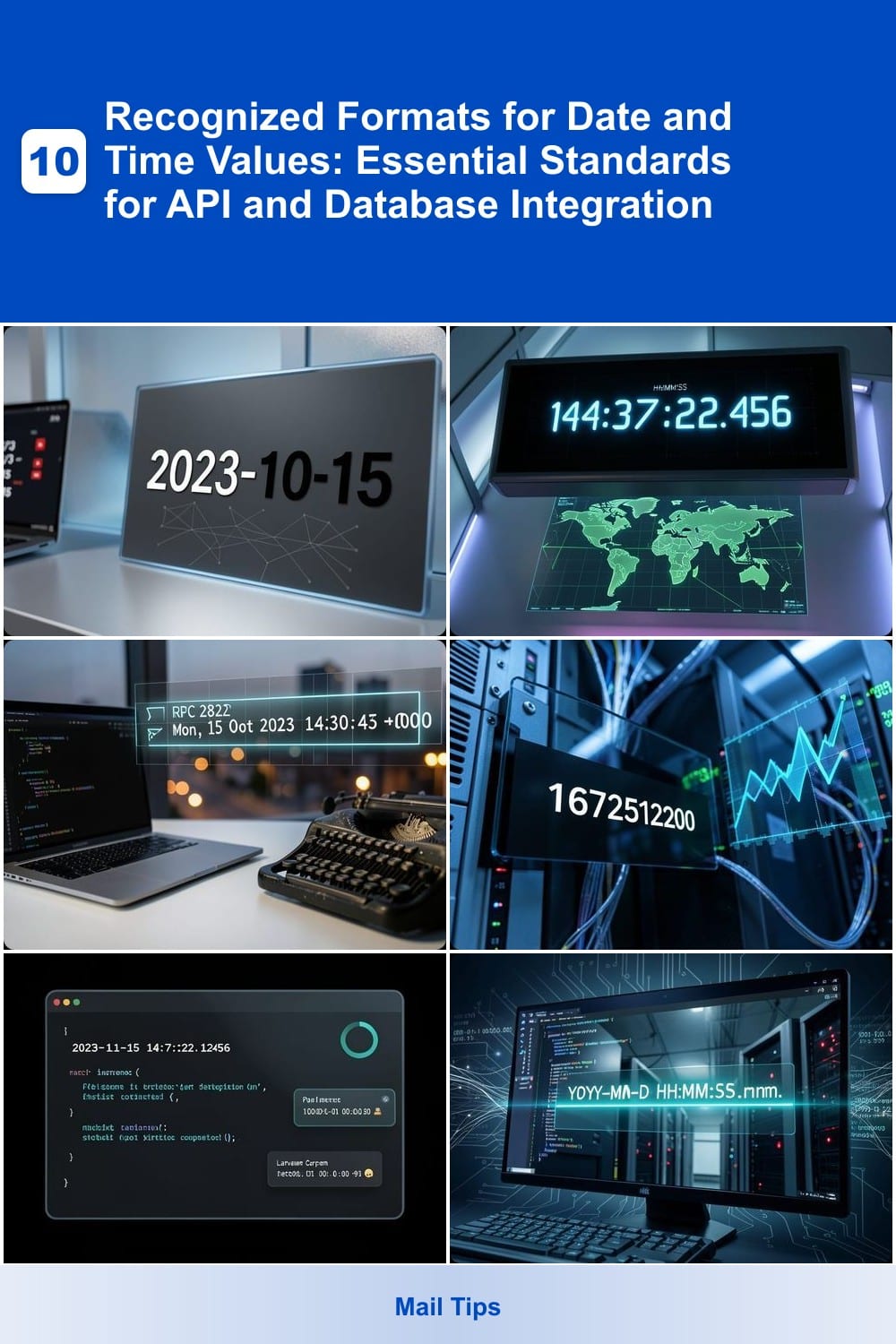
Working with APIs, databases, or global applications requires precise date and time handling. These 10 standardized formats ensure seamless data exchange across systems, from legacy databases to modern cloud services, while minimizing errors in international deployments.
ISO 8601 Date Format YYYY-MM-DD

Frustrated by date-sorting errors in your database or API? The ISO 8601 date format (YYYY-MM-DD) is the gold standard for chronological precision—guaranteeing consistent sorting without ambiguity, whether you're querying logs or processing transactions globally.
This format uses four-digit years (e.g., 2023-10-15), ensuring dates like 01/02/2023 are never misinterpreted as February 1st. It’s natively supported in SQL databases (MySQL, PostgreSQL), programming languages (Python, JavaScript), and JSON APIs, making it the default choice for modern systems. Libraries like Python’s datetime.date() or JavaScript’s toISOString() generate it automatically.
Perfect for global applications, data analytics, or any system where chronological accuracy matters more than local readability. ⚡
ISO 8601 Time Format HH:MM:SS

Tired of debugging time mismatches in global applications? The ISO 8601 time format (HH:MM:SS) eliminates AM/PM confusion by using a 24-hour clock, making it the gold standard for scheduling systems, logistics, and financial transactions worldwide.
This format supports millisecond precision (e.g., 14:30:45.123) and integrates seamlessly with UTC timezone handling, avoiding daylight saving time quirks. Libraries like Python’s datetime.time() or JavaScript’s toISOString() parse it natively, while databases like PostgreSQL and Oracle store it efficiently in TIME or TIMESTAMP fields.
Ideal for global logistics, stock market systems, or any app where split-second accuracy matters across time zones. ⚡
RFC 2822 Email Date Format
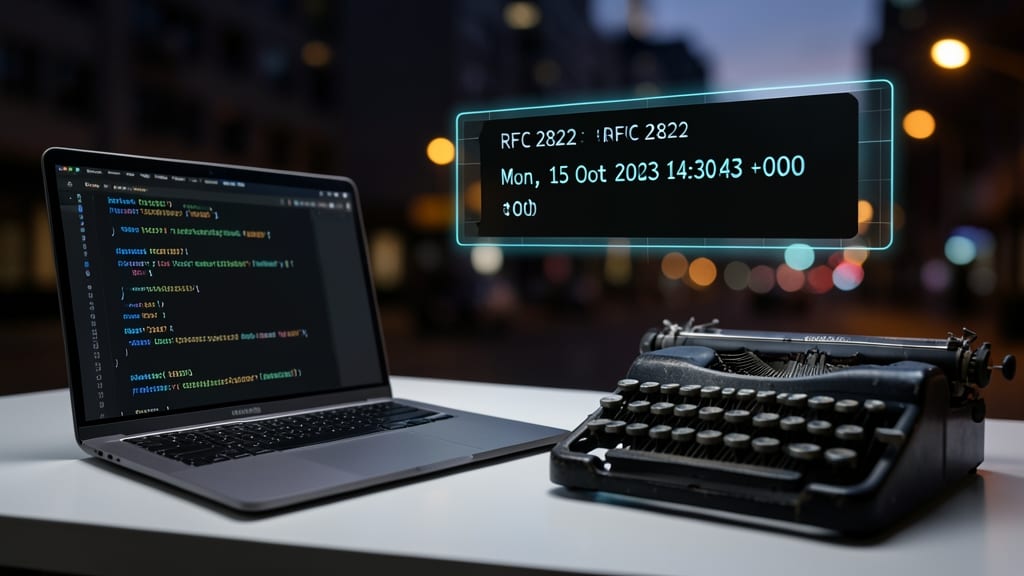
Email systems rely on RFC 2822 for a balance between readability and machine processing. Unlike strict ISO formats, this standard includes day names (e.g., Mon), month abbreviations (Oct), and timezone offsets (+0000), making it ideal for human review while still being parseable by scripts.
The format follows the structure: Day, DD Mon YYYY HH:MM:SS +ZZZZ. For example, Mon, 16 Oct 2023 14:30:45 +0000 clearly shows the date, time, and timezone without ambiguity. Libraries like Python’s email.utils or JavaScript’s date-fns handle parsing with minimal effort, ensuring compatibility across email servers and APIs.
This format shines in email headers, APIs for messaging services, and legacy systems where both humans and machines need to interpret dates effortlessly. ⚡
Unix Timestamp (Seconds Since Epoch)

Need to compare timestamps in milliseconds or calculate time differences between events? The Unix timestamp—a simple integer representing seconds since January 1, 1970 (UTC)—is the go-to choice for backend engineers and performance-critical systems.
This format excels in high-speed comparisons and mathematical operations, making it ideal for logging, caching, and analytics. For example, 1697523045 translates to October 16, 2023, 14:30:45 UTC, while subtracting two timestamps gives the exact duration between events. Libraries like Python’s time.time() or JavaScript’s Date.now() make conversion seamless.
Backend developers and DevOps teams rely on Unix timestamps for zero-config time calculations—perfect for monitoring system uptime or processing batch jobs. ⚡
MySQL DateTime Format YYYY-MM-DD HH:MM:SS
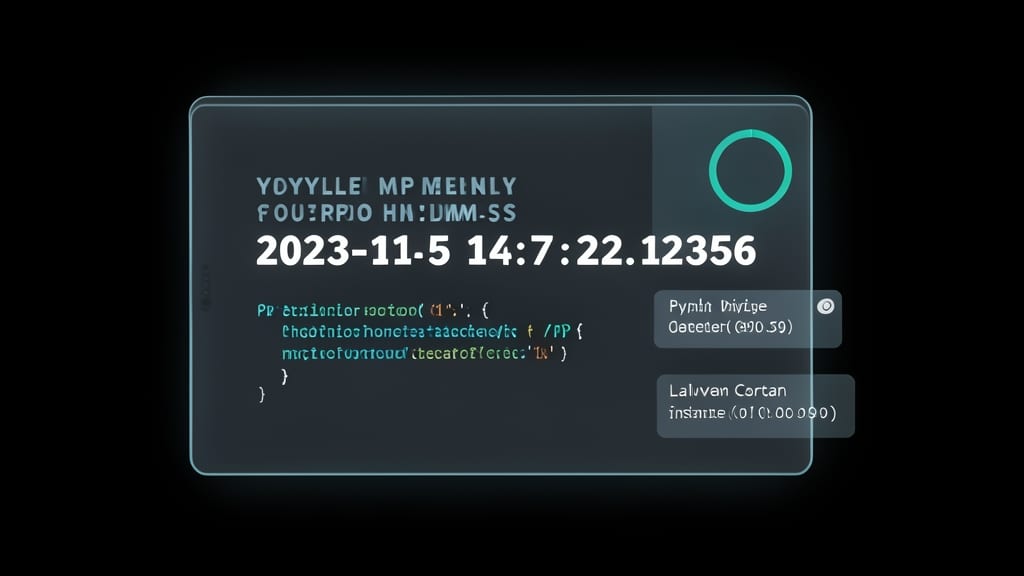
Need a foolproof way to store both dates and times in MySQL without ambiguity? The YYYY-MM-DD HH:MM:SS format is the gold standard for database developers, offering microsecond precision and seamless integration with PHP, Python, and Laravel.
This format stores dates from 1000-01-01 00:00:00 to 9999-12-31 23:59:59, with optional fractional seconds (e.g., 2023-10-16 14:30:45.123456). MySQL’s DATETIME and TIMESTAMP types natively support it, while libraries like PDO and SQLAlchemy handle conversions automatically.
Perfect for web apps where you need reliable time tracking—whether logging user activity or scheduling events. ⚡
SQL Server DateTime Format

If you're managing enterprise data in Microsoft SQL Server, precision matters—especially when dealing with dates spanning centuries. The SQL Server DateTime format (e.g., YYYY-MM-DD HH:MM:SS.mmm) is designed to handle everything from 0001-01-01 to 9999-12-31, with millisecond precision for critical applications like financial systems or audit logs.
Unlike other databases, SQL Server distinguishes between DateTime (3.33ms precision) and DateTime2 (100ns precision), making it ideal for high-frequency transactions. The format also supports timezone offsets (e.g., YYYY-MM-DD HH:MM:SS.mmm +05:30), ensuring global consistency. For developers, T-SQL functions like CONVERT() and FORMAT() simplify conversions to other standards.
This format is a must for enterprise developers working with legacy systems or compliance-heavy industries where historical accuracy is non-negotiable. ✨
JavaScript Date Object Format

If you're building real-time web apps or Node.js services, JavaScript’s built-in Date object is your go-to tool for handling dates without extra dependencies. Unlike database-specific formats, it works seamlessly across browsers and servers, making it the backbone of dynamic scheduling, countdowns, and time-based logic.
The Date object supports ISO 8601 strings (via toISOString()), Unix timestamps (via getTime()), and custom formats (via toLocaleString()). You can parse dates from strings, calculate time differences in milliseconds, or format output for user interfaces—all with zero configuration. For example, new Date().toISOString() returns "2023-10-16T14:30:45.123Z", while getTime() gives Unix timestamps for backend compatibility.
Frontend developers and full-stack engineers will love how it integrates with modern frameworks like React and Express. Whether you're syncing calendars or processing user inputs, the Date object handles the heavy lifting natively. 💻
Excel Date Serial Number
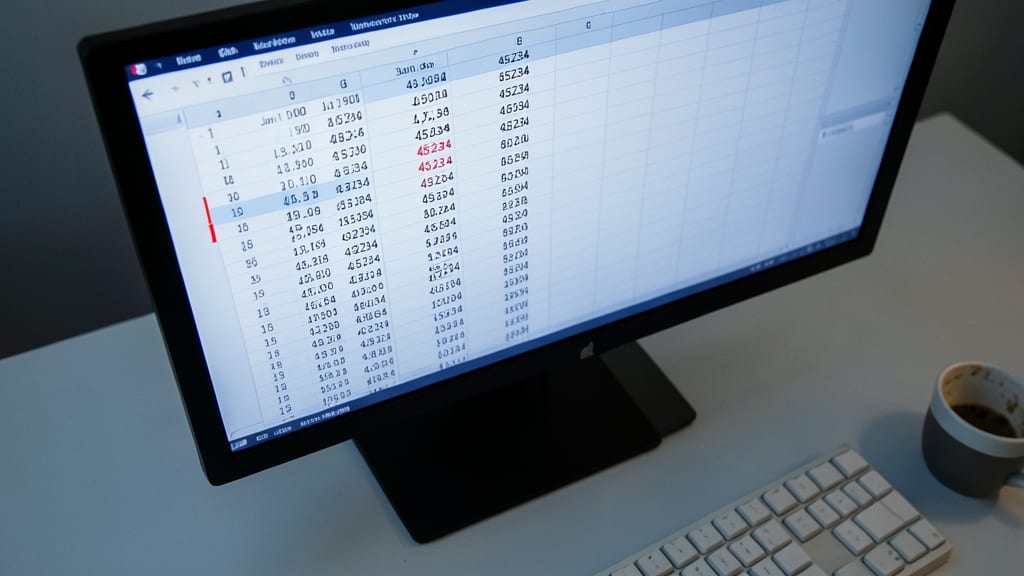
Ever wondered why Excel treats dates as numbers like 45234 instead of traditional formats? This date serial number system is Excel’s secret sauce—it converts every date into a sequential integer where January 1, 1900 equals 1, making complex calculations effortless.
Under the hood, Excel stores dates as floating-point numbers (e.g., 45234.5 = October 16, 2023, 12:00 PM). This lets you perform arithmetic like =B2-B1 to find days between dates or use them in PivotTables without formatting conflicts. The system even handles leap years and time values seamlessly.
Perfect for financial analysts, data scientists, or anyone crunching time-based data in spreadsheets. Just remember: Excel’s 1900 epoch (not 1970 like Unix) can cause quirks—like February 29, 1900, being treated as invalid. ✨
JSON Date Format (ISO 8601 String)

When your frontend and backend need to speak the same language about dates, JSON Date Format (ISO 8601 String) is the universal translator. Unlike raw timestamps or database-specific formats, this standardized string ensures APIs transmit dates consistently across languages and platforms without ambiguity.
The format follows ISO 8601 conventions like "2023-10-16T14:30:45Z", where T separates date/time and Z denotes UTC. JavaScript’s JSON.stringify() and Python’s datetime.isoformat() both support this natively, making it the default choice for REST APIs and microservices. Time zones are handled explicitly (e.g., +05:30 for IST), eliminating "off-by-one" errors in global systems.
Perfect for developers building cross-platform APIs or integrating third-party services, this format eliminates parsing headaches while future-proofing your data. ⚡
Human-Readable US Format MM/DD/YYYY
Need a date format that’s instantly recognizable to U.S. users but not ideal for global systems? The MM/DD/YYYY format (like 10/16/2023) is deeply embedded in legacy software, Windows applications, and American-facing UIs—where familiarity trumps standardization.
This format prioritizes human readability for domestic audiences, avoiding the need for slashes or hyphens in display contexts. However, its ambiguity (e.g., is 01/02/2023 January 2nd or February 1st?) makes it risky for APIs or international databases. It’s widely supported in Windows system settings, Excel defaults, and U.S.-centric web forms but lacks machine-parsable precision.
Perfect for localized user interfaces where clarity for American users outweighs global compatibility needs—just don’t rely on it for cross-border systems. ✨