
Operating System
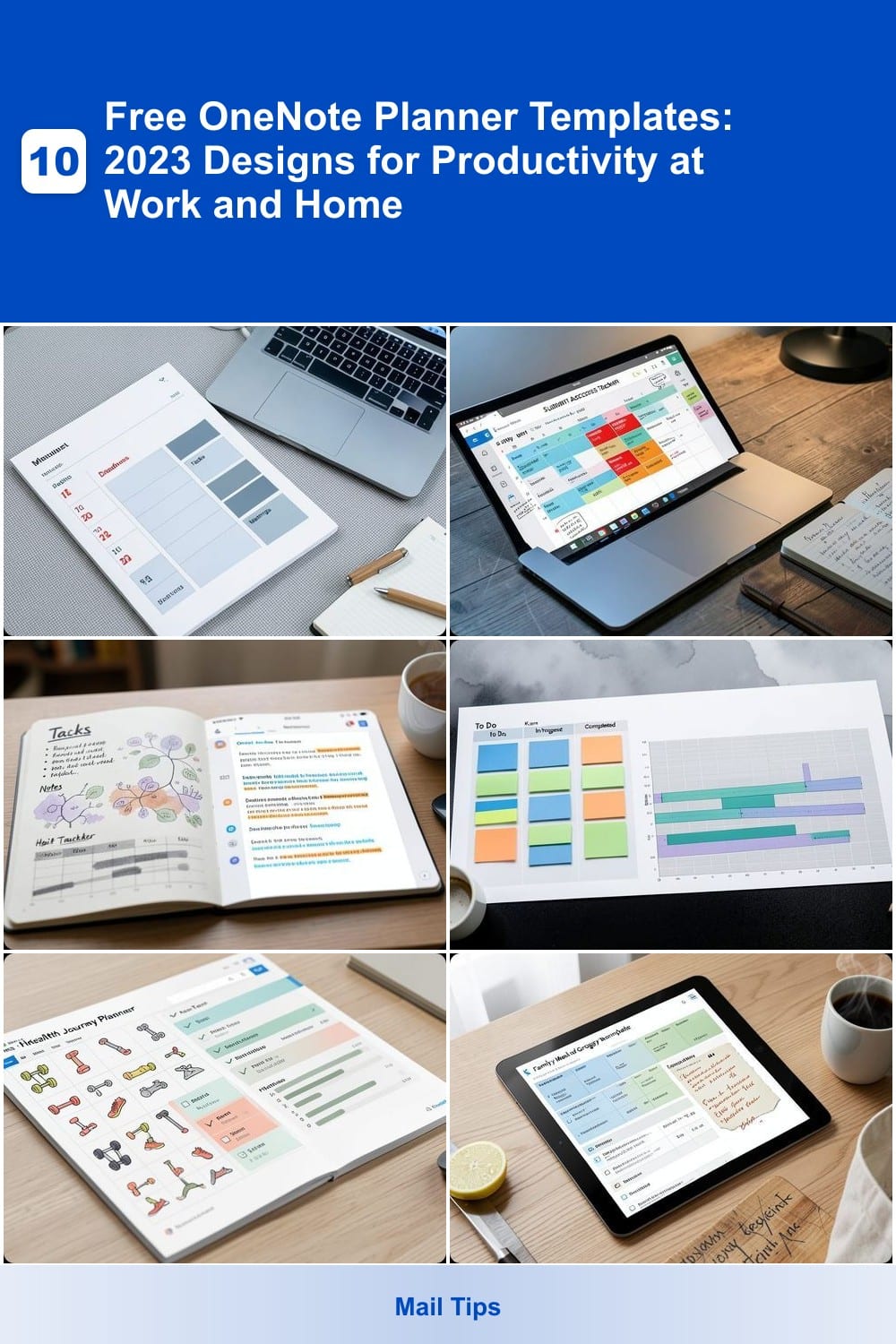
Struggling to stay organized in OneNote? These 10 free 2023 planner templates transform your digital notebook into a productivity powerhouse—whether you're managing work projects, school assignments, or personal goals. No design skills required!
Minimalist Weekly Work Planner
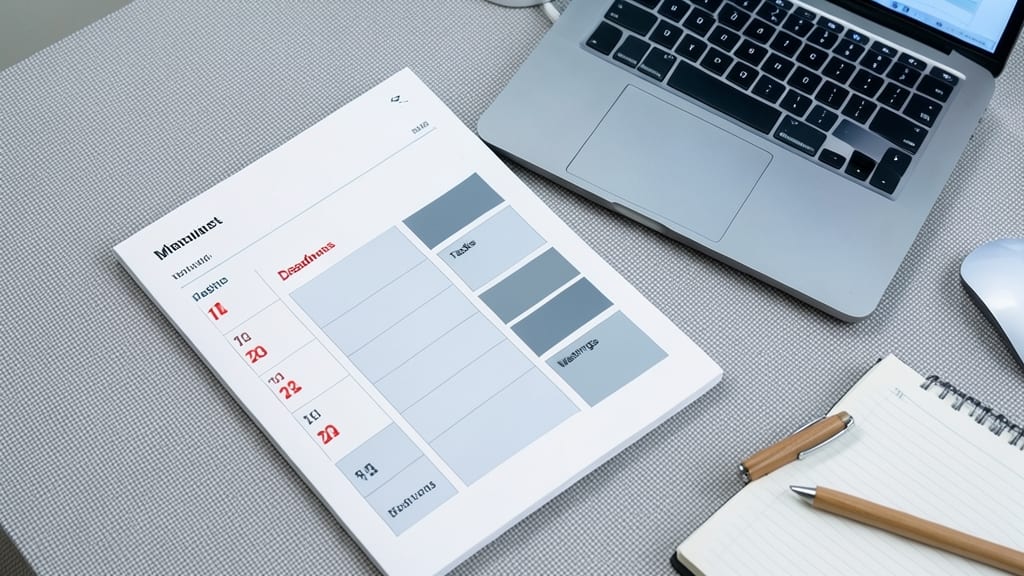
If you’re drowning in digital clutter but still need a structured weekly planner, this Minimalist Weekly Work Planner is your lifeline. Designed for professionals who value simplicity, it strips away distractions while keeping deadlines, tasks, and meetings neatly organized in dedicated sections.
The template features a clean, distraction-free layout with pastel blue accents for visual cues, ensuring focus stays on productivity. It includes time-blocked sections for tasks, a dedicated calendar view, and a prioritization system using color-coded tags. Best of all, it’s fully customizable—add or remove sections to match your workflow without losing clarity.
Perfect for remote workers, freelancers, or anyone juggling multiple priorities, this template syncs seamlessly across OneNote for Windows, Mac, and mobile. Ditch the overwhelming planners and embrace efficiency with a tool that feels as good as it performs. ✨
Student Academic Success Tracker
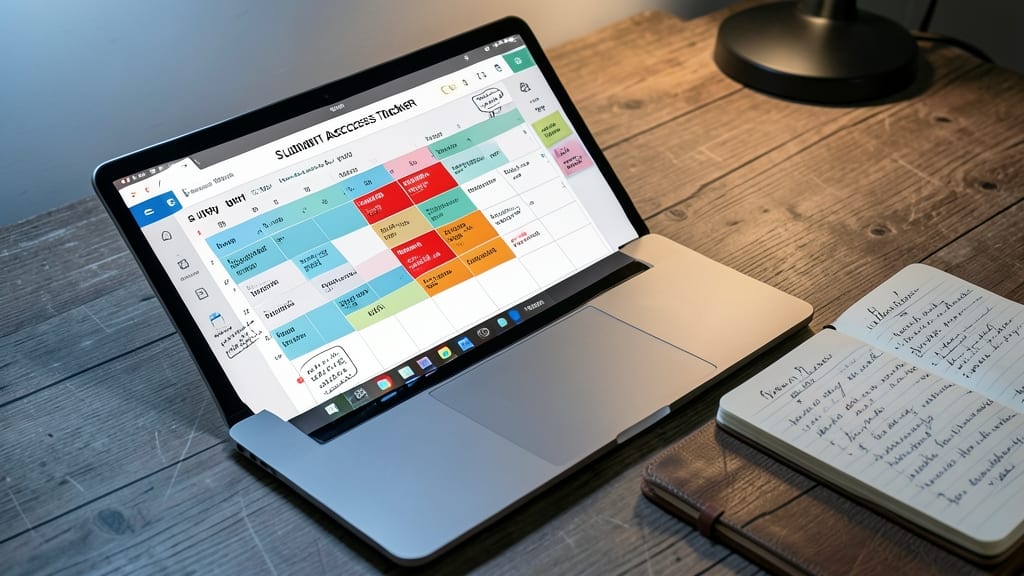
Drowning in syllabi, deadlines, and all-nighter study sessions? The Student Academic Success Tracker is your digital lifeline—specifically designed for college students to tame chaos with study schedules, assignment deadlines, and exam countdowns, all in one place.
This template includes color-coded tabs for subjects, integrated Microsoft To Do sync (so your tasks update automatically), and customizable checklists for reading assignments. The built-in countdown timer for exams ensures you never procrastinate on cramming, while motivational quotes keep you focused. Best of all, it’s fully editable in OneNote for Windows, Mac, or mobile—so you can access it anywhere.
Perfect for undergrads juggling lectures, labs, and group projects, this template turns disorganized chaos into a structured roadmap. 💪
Bullet Journal Hybrid Planner
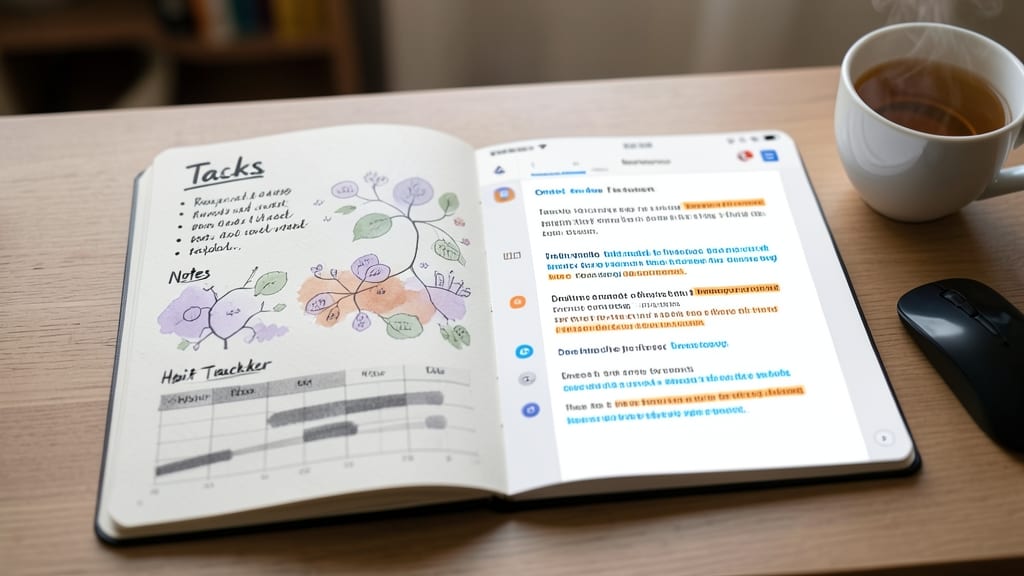
If you love the tactile joy of bullet journaling but crave the flexibility of digital tools, this Bullet Journal Hybrid Planner bridges the gap perfectly. It mirrors the rapid logging and visual note-taking of traditional bujos while leveraging OneNote’s searchable, scalable, and cross-platform capabilities.
The template includes color-coded rapid logging symbols, customizable collections for tracking habits or ideas, and migration-friendly layouts that adapt to your screen size. You’ll find sections for monthly/weekly/daily logs, a future log for brainstorming, and even a "brain dump" page for unstructured thoughts—all designed to feel like a digital sketchbook. The handwritten-style fonts and doodle-friendly backgrounds make it feel personal, while OneNote’s inking tools let you sketch directly on your pages.
This is the ideal choice for creatives, writers, and remote workers who want the structure of a bullet journal without the paper clutter. Whether you’re jotting down project ideas, tracking creative workflows, or planning content calendars, the hybrid approach keeps your thoughts organized and accessible across devices. ✨
Project Management Dashboard
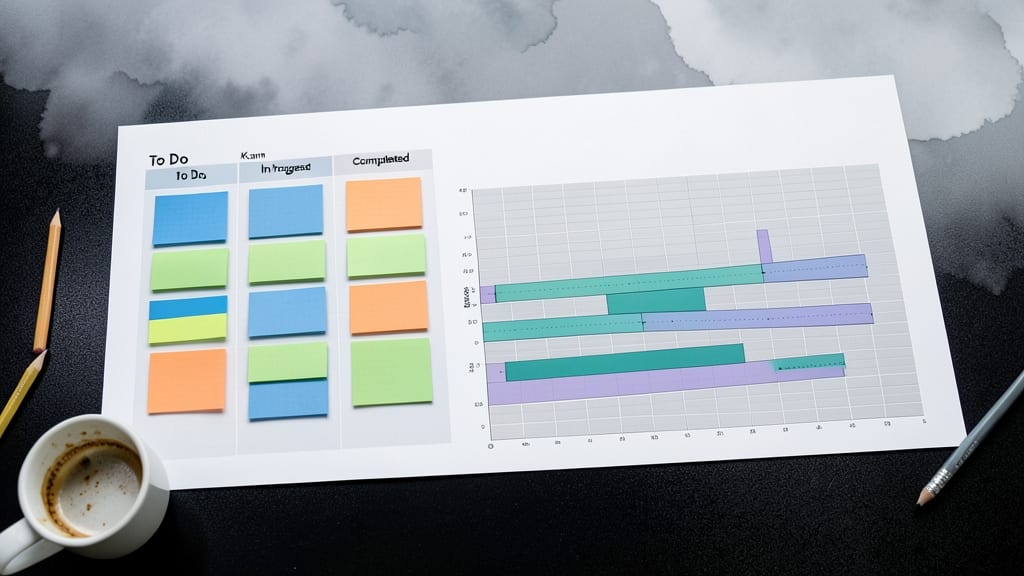
If juggling multiple projects leaves you drowning in spreadsheets and sticky notes, this Project Management Dashboard template brings structure to chaos. Designed for teams and freelancers, it combines Kanban-style boards with Gantt chart templates—so you can visualize workflows at a glance while tracking deadlines in real time.
The template’s standout features include drag-and-drop task cards (color-coded by priority), automatic progress trackers, and seamless integration with Trello and Outlook. Need to sync client updates or adjust timelines? One click updates everything across platforms. For freelancers, the milestone tracker ensures you hit deadlines without last-minute panic.
Perfect for developers managing sprints, designers coordinating client feedback, or small teams launching products. With zero setup required, it’s the ultimate tool for turning disorganized chaos into a battle-tested workflow. ✨
Fitness and Health Journey Planner
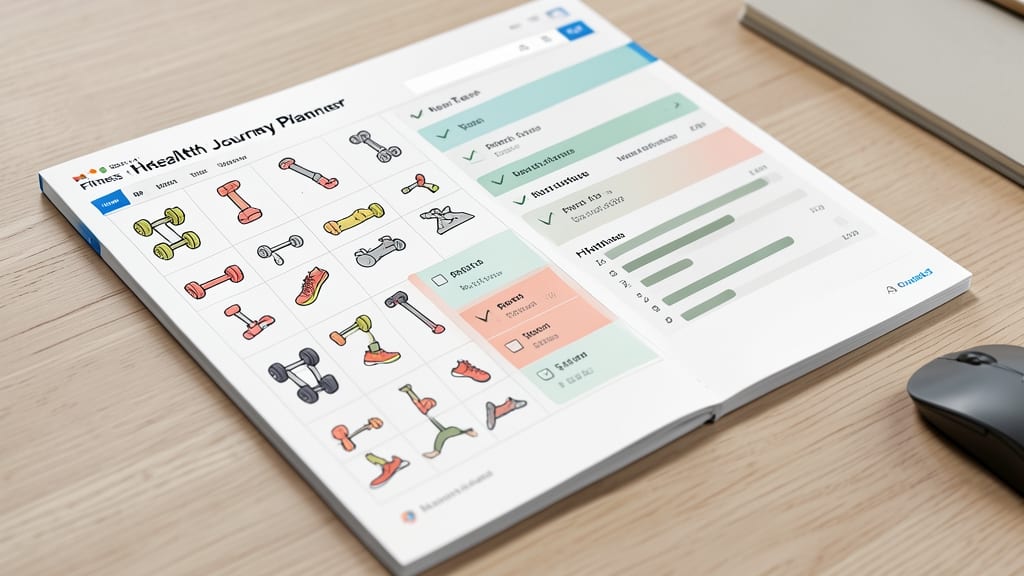
Turn your fitness goals into a structured, motivational journey with this Fitness and Health Journey Planner—specifically designed for OneNote to track workouts, nutrition, and habits in one place. The template includes pre-built workout logs with exercise icons, a meal tracker for daily nutrition, and habit streaks to keep you accountable with visual progress bars.
Motivational quotes are embedded directly into the layout to inspire consistency, while customizable progress charts let you visualize milestones like weight loss or strength gains. The color-coded sections make it easy to scan your daily habits at a glance, and the template syncs seamlessly across devices for on-the-go updates.
Perfect for gym enthusiasts, home workout warriors, or anyone committed to a healthier lifestyle—this planner turns vague resolutions into measurable progress. 💪
Family Meal and Grocery Planner
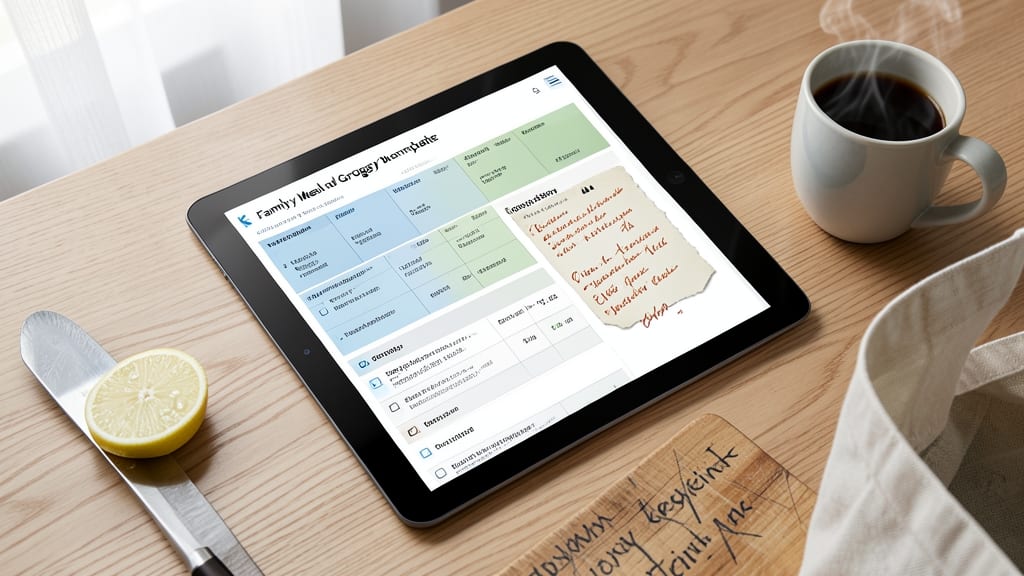
Tired of family meal chaos? The Family Meal and Grocery Planner template turns shared cooking into a seamless digital experience. With dedicated sections for meal planning, grocery lists, and recipe storage, it eliminates the weekly scramble for dinner ideas and forgotten ingredients.
This template includes a shared calendar for coordinating meals, customizable recipe cards with serving sizes, and a that syncs across devices. The color-coded weekly layout makes it easy to plan breakfasts, lunches, and dinners in advance, while the built-in notes section lets you jot down dietary preferences or last-minute adjustments. Best of all, it’s designed for collaboration, so every family member can contribute or access the plan from their own devices. ✨
Travel Itinerary Organizer
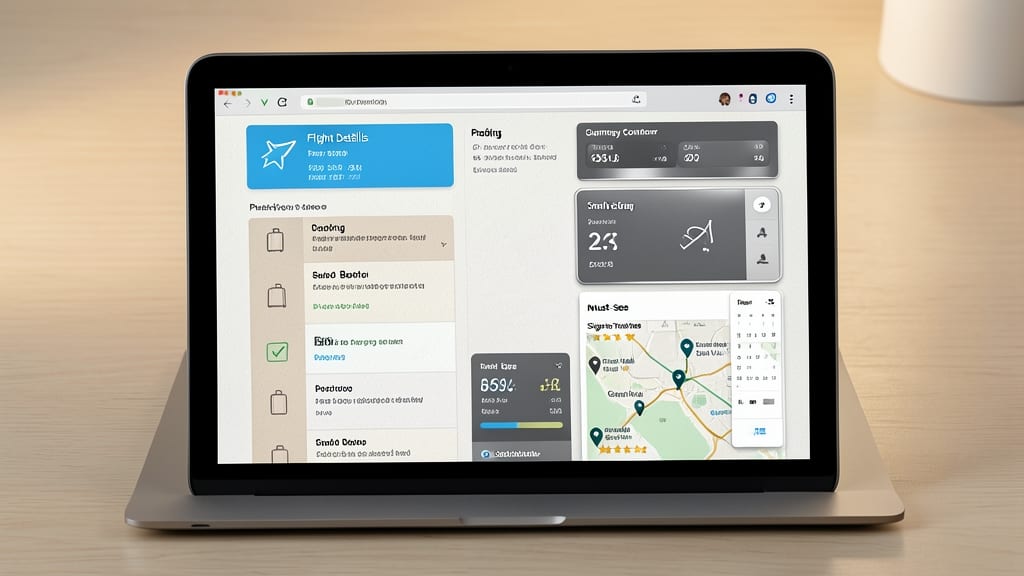
Forget juggling sticky notes and scattered apps—this Travel Itinerary Organizer keeps your entire trip in one sleek, digital space. Designed specifically for OneNote, it combines flight details with packing checklists, currency converters, and even a "must-see" sightseeing tracker to ensure you never miss a beat.
The template includes customizable sections for itinerary planning, with embedded maps for easy navigation and color-coded tabs to separate destinations. You’ll also find a vaccination passport section and emergency contact details—critical for both digital nomads and leisure travelers. The drag-and-drop functionality lets you rearrange your schedule on the fly, whether you’re planning a weekend getaway or a month-long adventure.
Perfect for anyone who wants to reduce travel stress, this template is ideal for frequent flyers, backpackers, or families who need a centralized hub for all their trip details. No more lost boarding passes or forgotten souvenirs! ✨
Habit Tracker with Gamification
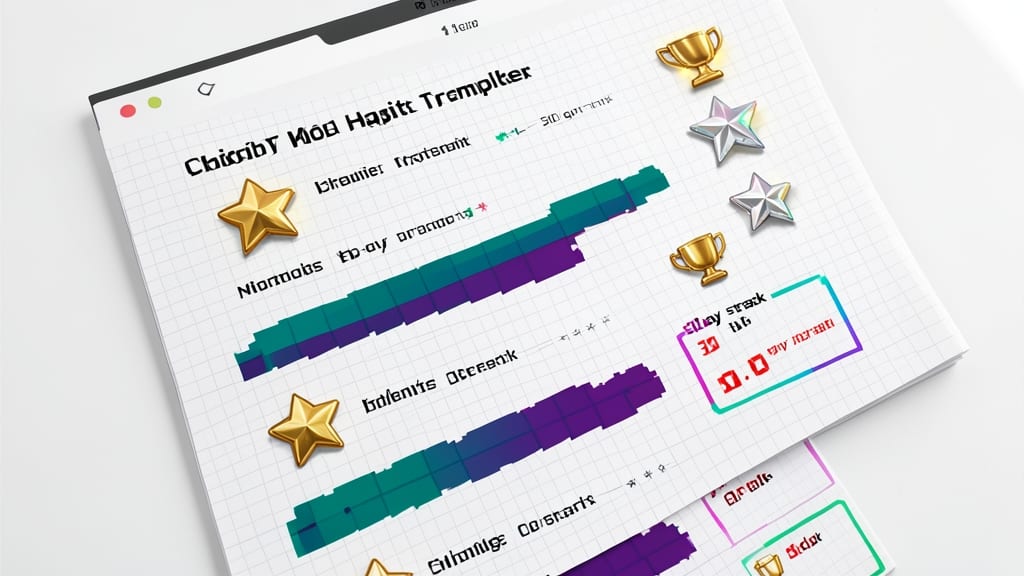
Tired of habit trackers that feel like homework? This gamified OneNote template turns consistency into a rewarding challenge with pixel-art progress bars and achievement badges for every milestone.
Track streaks, unlock rewards, and watch motivation soar with customizable challenges (e.g., "30-day no-procrastination streak") and color-coded progress bars that fill up like a video game. The template even includes a "level-up" system where completing weekly goals earns you virtual badges—perfect for breaking bad habits or sticking to new routines.
Ideal for students, professionals, or anyone who thrives on visual feedback and friendly competition. Download it to turn your goals into a battle-tested setup. ✨
Monthly Budget Tracker
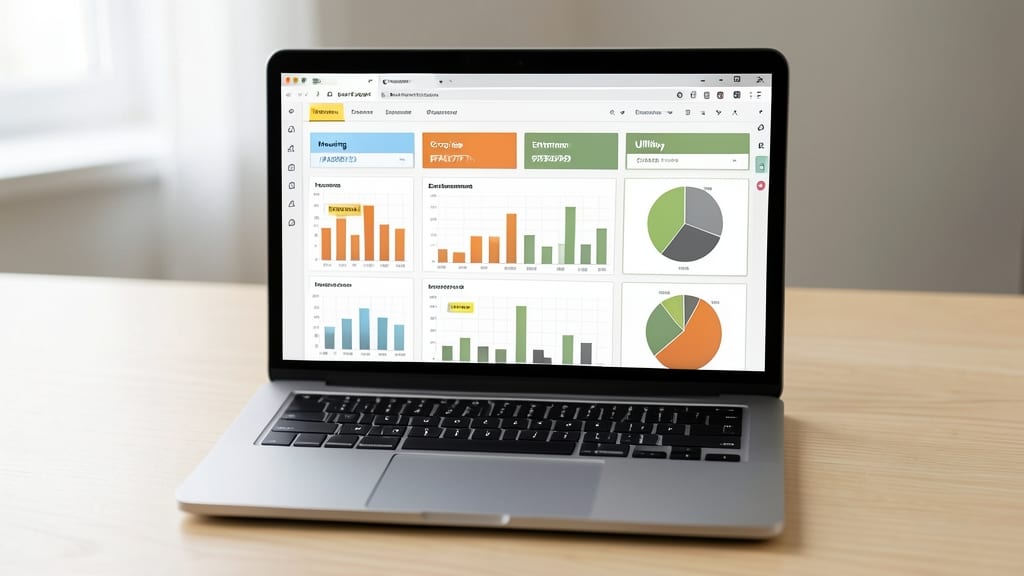
Tired of spreadsheets and guesswork when tracking your finances? This Monthly Budget Tracker template turns OneNote into your smart money manager—no financial degree required.
It includes predefined income/expense categories (like housing, groceries, and entertainment) with color-coded visuals to spot spending trends instantly. The budget vs. actual comparison feature lets you see where you’re overspending at a glance, while savings goal trackers with progress bars keep you motivated. Best of all, it syncs with Excel for deeper analysis when you need to crunch numbers.
Perfect for freelancers, students, or anyone juggling multiple financial goals. Whether you’re saving for a vacation or just trying to stick to a monthly budget, this template makes money management clear, visual, and stress-free. 💡
Creative Writer’s Storyboard

Stuck staring at a blank page while your story ideas swirl in your head? The Creative Writer’s Storyboard template turns chaos into structure with dedicated sections for character profiles, plot timelines, and visual mood boards—all in one place.
Leverage OneNote’s drawing tools to sketch character sketches, map out scene transitions, or pin inspiration images directly onto your storyboard. The template includes pre-formatted sections for world-building notes, dialogue snippets, and even a "red thread" plot tracker to keep your narrative cohesive. Best of all, it’s fully customizable—add tables for research, embed audio clips of voice notes, or use highlighters to flag key themes.
Perfect for novelists, screenwriters, or anyone drafting long-form content. Whether you’re outlining a fantasy epic or a short story, this template helps you see your story unfold before you write a single word. ✨