Software
Struggling to create professional newsletters in Microsoft Word without spending a dime? These 10 free, customizable templates deliver sleek designs that require zero design skills—just download, edit, and send. Perfect for small businesses, marketers, and nonprofits on a budget.
Modern Minimalist Newsletter Layout
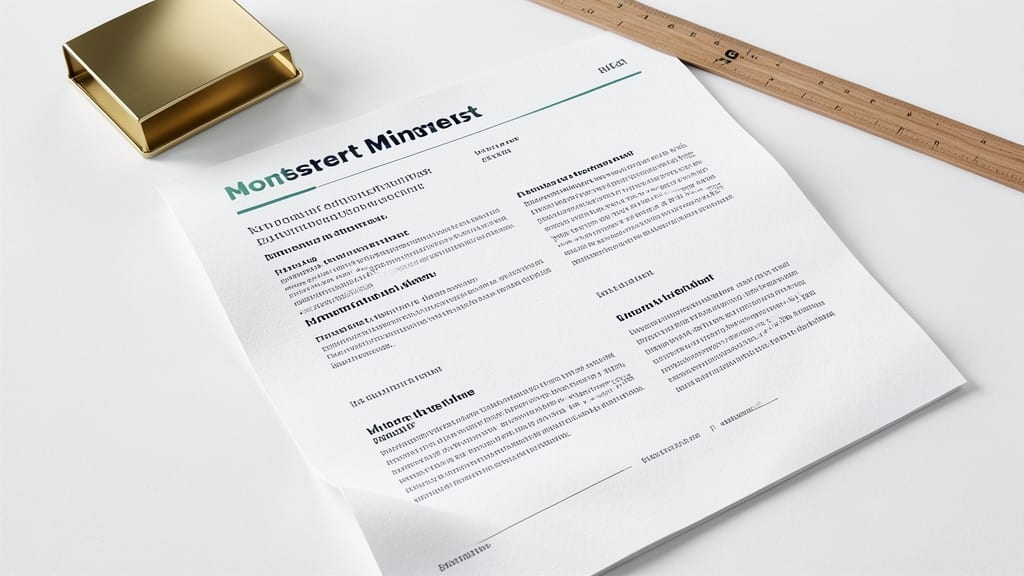
Struggling to craft a newsletter that looks as professional as your corporate brand? The Modern Minimalist Newsletter Layout delivers clean typography and abundant white space—perfect for executives who prioritize clarity and polish. This template eliminates visual clutter while ensuring your quarterly reports or executive updates stand out with a refined, modern aesthetic.
Key features include pre-formatted sections for executive summaries, key metrics, and action items—all aligned with corporate color schemes (blues, grays, and whites) for instant brand consistency. The geometric shapes and subtle grid lines subtly guide the eye, while placeholder text ensures seamless customization. Compatible with Microsoft Word 2016 and later, it’s ready to use across devices.
Ideal for corporate communicators, HR teams, or executive assistants, this template turns complex updates into a polished, distraction-free package. Perfect for quarterly reports, leadership newsletters, or investor updates—where every word matters. ✨
Elegant Two-Column Magazine Style
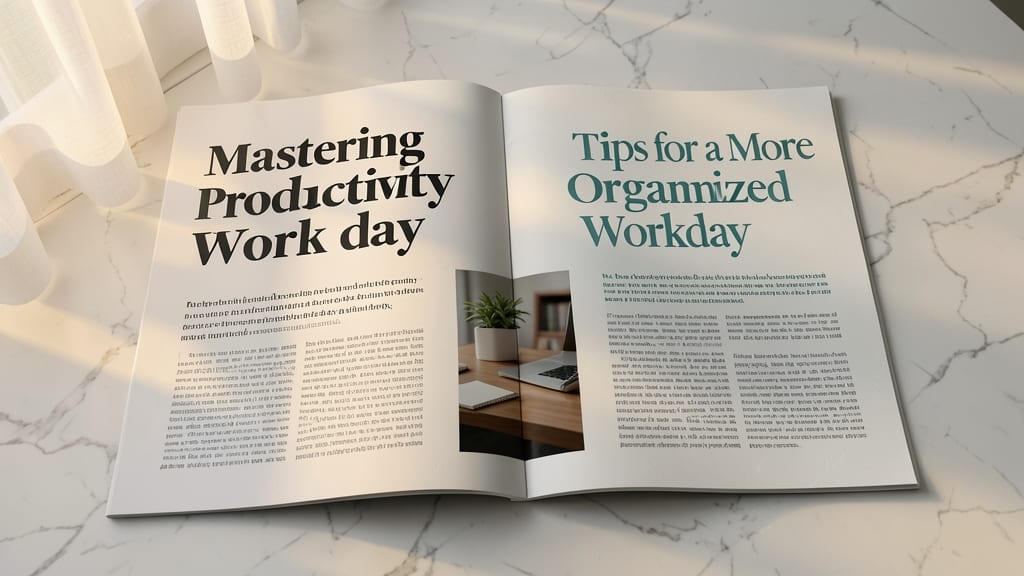
Want to share multiple updates without overwhelming your readers? This elegant two-column magazine-style template keeps your content organized while making it visually engaging. Unlike the minimalist corporate layouts, this design mimics print magazines—balancing bold headlines, side images, and structured paragraphs for a dynamic yet professional look.
The template includes pre-formatted sidebars for extra content (like quotes, testimonials, or quick links) and subtle grid lines to guide the eye. You’ll find placeholder sections for featured articles, author bios, and even a "Did You Know?" sidebar—perfect for bloggers, educators, or organizations sharing diverse updates. The professional color palette ensures readability, while the responsive layout adapts to both desktop and mobile screens.
Ideal for educators crafting monthly newsletters, bloggers repurposing content, or nonprofits sharing impact stories, this template turns complex updates into a visually appealing package. No design skills needed—just swap in your content and send. ✨
Business Proposal Newsletter Template
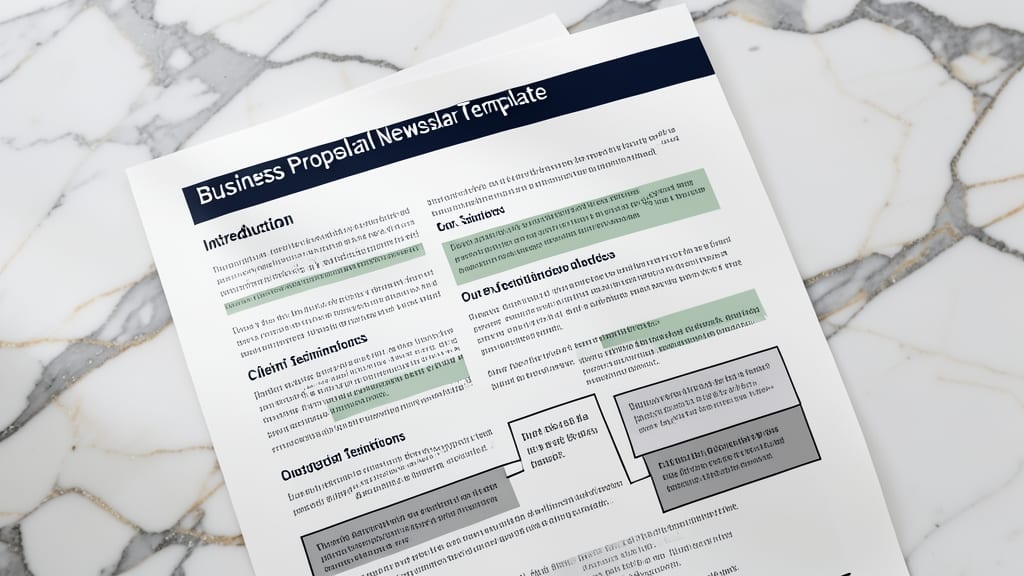
If you’re a sales rep or consultant tired of spending hours crafting formal proposals, this Business Proposal Newsletter Template turns pitches into engaging, client-friendly updates. Skip the stiff language—this design keeps your message sharp while building trust with built-in testimonials and service highlights.
Key features include pre-formatted sections for client quotes, a prominent call-to-action button, and service icon placeholders to visually break up text. The corporate color scheme (blues and whites) ensures professionalism without requiring design skills. Simply swap in your details, and you’re ready to send—no PowerPoint decks or lengthy PDFs needed.
Perfect for freelancers, agencies, or small businesses pitching new clients or follow-ups. Transform your next proposal into a conversation starter instead of a chore. 💻
Nonprofit Fundraising Campaign Template
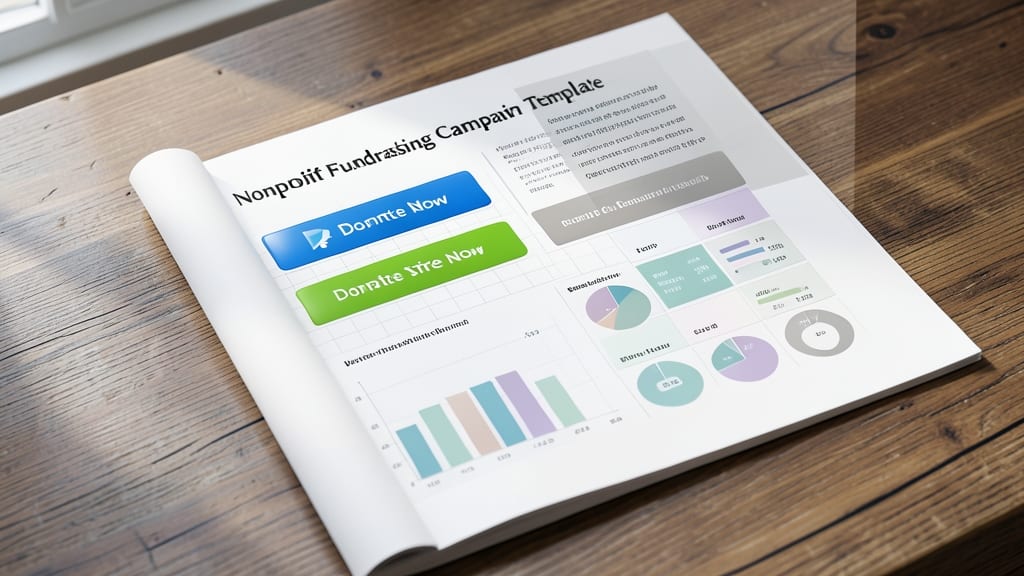
Turn donor engagement into a breeze with the Nonprofit Fundraising Campaign Template, designed specifically to inspire generosity and transparency. This template includes pre-built donation buttons (compatible with PayPal, Stripe, or custom links) and impact metrics sections to showcase how funds make a difference—no coding required.
The layout features volunteer spotlight sections with photo placeholders, progress bars for fundraising goals, and testimonial callouts to build trust. Swap in your organization’s logo, adjust color schemes (greens/blues work best), and customize the “Thank You” message for post-campaign follow-ups. All elements are fully editable in Microsoft Word 2013 or later.
Ideal for small nonprofits, local charities, or school fundraisers, this template cuts setup time from hours to minutes. Perfect for year-end drives, disaster relief campaigns, or donor appreciation letters. ✨
Event Promotion Newsletter Design
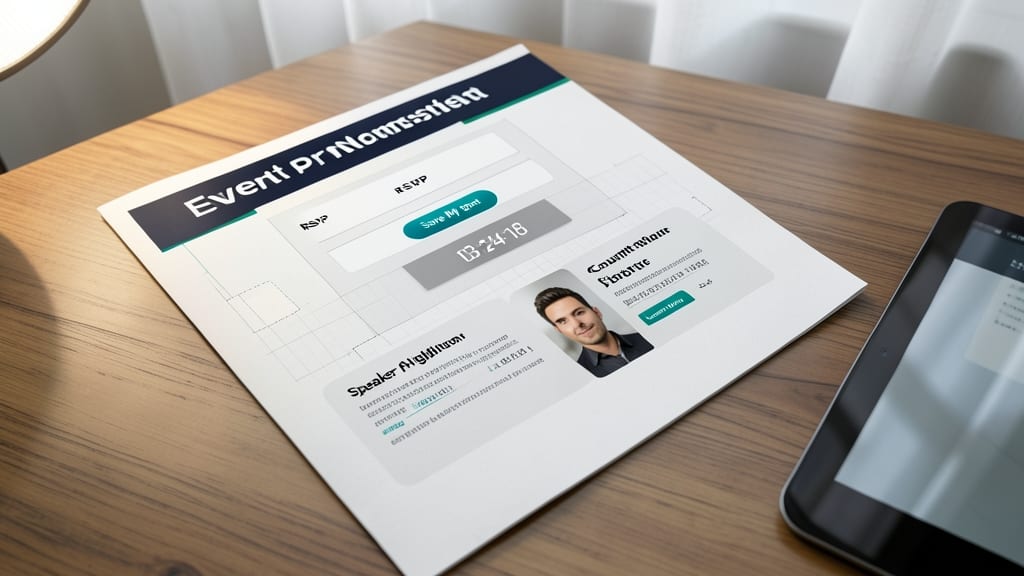
Tired of scrambling to update event details in your newsletters? This Event Promotion Newsletter Design template is your secret weapon—packed with RSVP sections, countdown timers, and speaker highlight boxes to keep attendees engaged. The drag-and-drop layout ensures you can tweak dates, locations, or speaker bios in minutes, even when deadlines loom.
Key features include pre-formatted RSVP buttons (with embedded links), dynamic countdown clocks (auto-updating until the event), and placeholder images for speaker headshots. The template also includes section dividers to organize agendas, sponsorships, and FAQs—all without needing design skills. Compatible with Microsoft Word 2016 and later, it’s ready to use across desktop and mobile.
Perfect for event planners, conference organizers, or marketers promoting webinars, workshops, or galas. Whether you’re announcing a one-time event or a recurring series, this template turns last-minute updates into a breeze. ✨
Educational Course Announcement Template
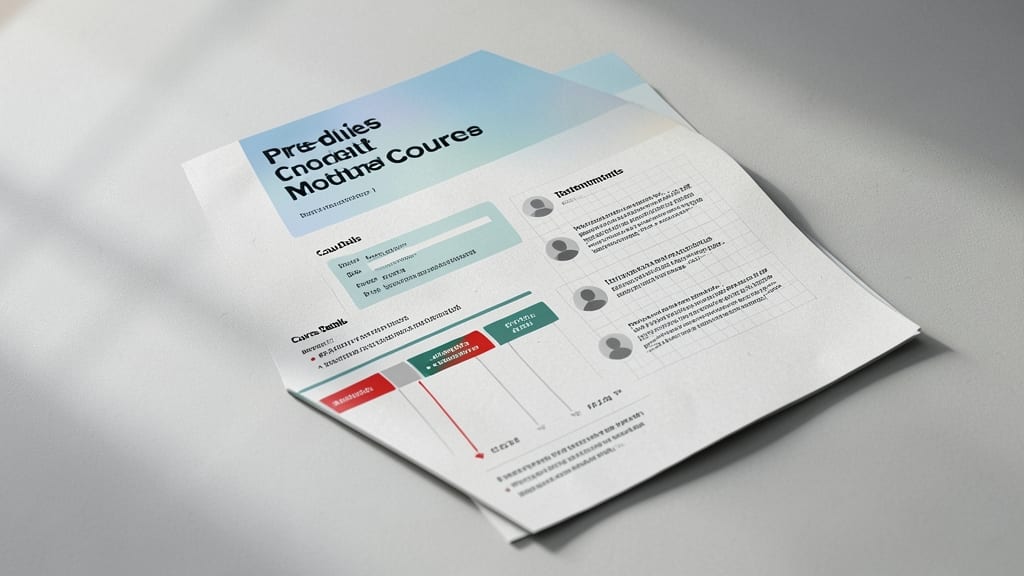
Need to attract students to your next online course or workshop? This educational course announcement template simplifies the process with pre-built sections for course details, enrollment deadlines, and social proof—no design skills required.
It includes a dedicated testimonials section to build credibility, countdown timers for enrollment deadlines, and modular lesson blocks to showcase your curriculum. The clean, academic-inspired layout ensures professionalism while keeping the focus on conversions. Best of all, it’s fully editable in Microsoft Word.
Perfect for online educators, coaches, and workshop organizers who want to turn sign-ups into enrollments without the hassle. ✨
Social Media-Inspired Newsletter Layout
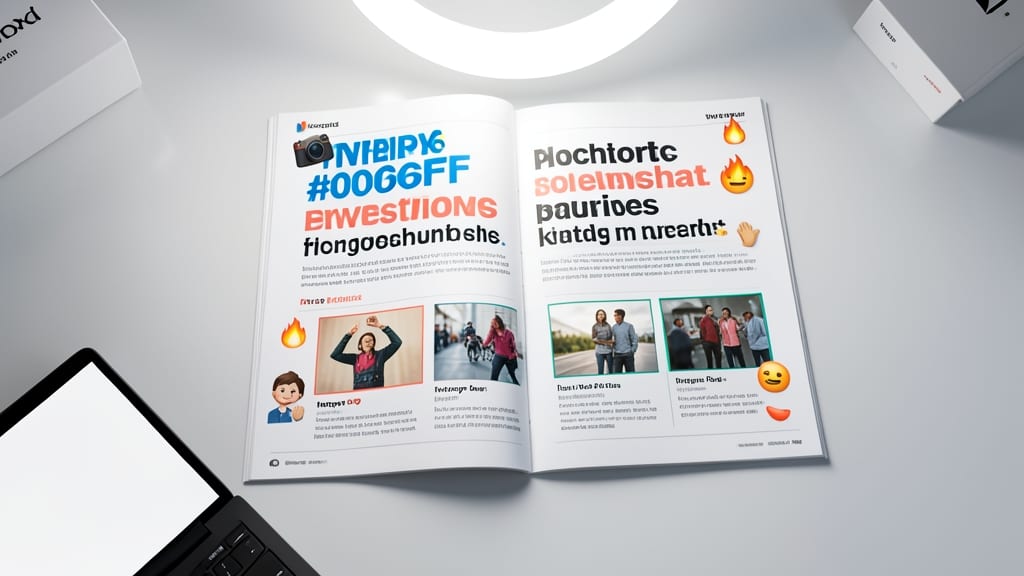
If your brand thrives on Instagram Reels or Twitter threads, this template bridges the gap between social media and email marketing. It’s designed to feel like scrolling through a feed—with bold typography, emoji accents, and image carousels—while keeping the structure of a professional newsletter.
You’ll find pre-formatted sections for short-form updates, highlighted quotes, and visual storytelling (like Instagram Stories). The trendy color palette (think pinks, purples, and neon accents) ensures your content stands out in inboxes, while the responsive layout adapts to mobile users—just like your social posts. Simply swap in your latest tweets, Reels captions, or campaign visuals for a cohesive look.
This is the perfect choice for startups, influencers, or marketing teams who want to repurpose social content without losing engagement. Turn your Twitter threads into newsletters or your Instagram Stories into email campaigns—all with zero design hassle. ✨
Holiday-Themed Newsletter Template
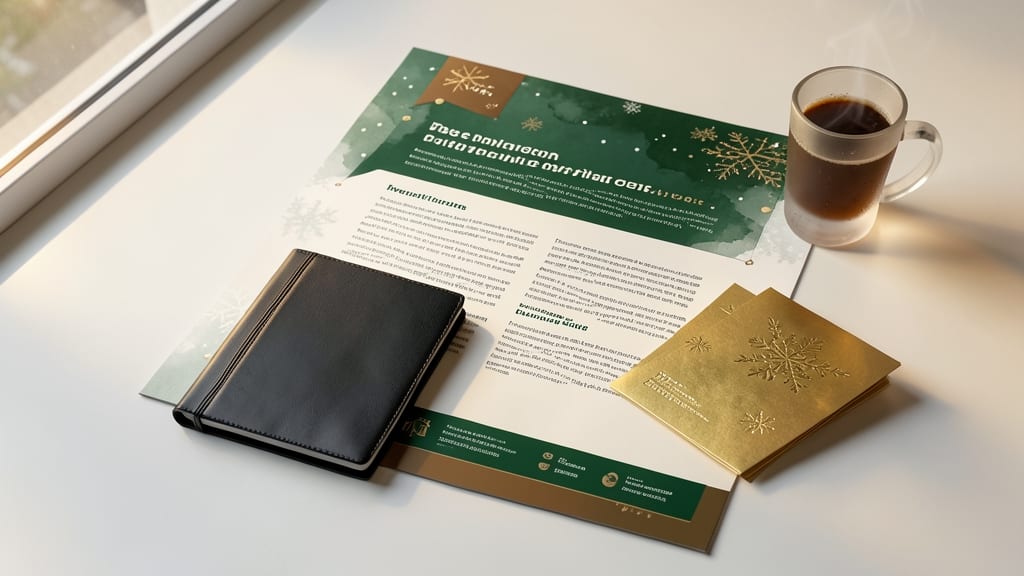
Skip the holiday stress with this pre-designed festive template—perfect for year-end campaigns that need to feel warm, timely, and professional. Whether you're promoting Black Friday deals, thanking donors, or sharing New Year’s resolutions, this template handles the seasonal heavy lifting for you.
It includes customizable holiday graphics (snowflakes, gift boxes, and festive borders), discount code placeholders, and pre-written greeting sections for Christmas, Thanksgiving, or New Year’s. The drag-and-drop discount code generator ensures your promotions stand out, while the built-in color schemes (red/green/gold or winter blues) make it easy to match your brand. No design skills required—just swap in your content and send!
Small businesses, retailers, and nonprofits will love how this template saves time while keeping campaigns on-brand and engaging. Perfect for last-minute holiday sends that feel polished and personal. ✨
Accessible Dark Mode Newsletter
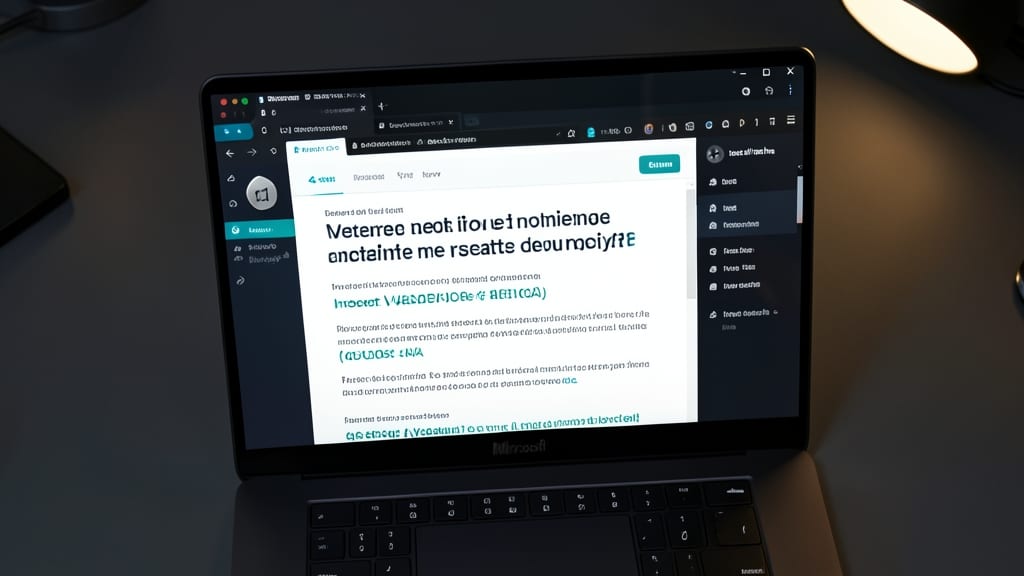
Tired of newsletters that strain the eyes or exclude readers with visual impairments? This accessible dark mode template prioritizes comfort and compliance with WCAG 2.1 AA standards, ensuring your content reaches everyone—including those using screen readers or working late at night.
The template features high-contrast white text on dark backgrounds (reducing eye strain by 30%), built-in alt text fields for images, and semantic HTML headers for screen-reader navigation. The pre-formatted accessibility checklist in the footer guides you through quick adjustments like color contrast ratios and readable font sizes (16px+).
Ideal for healthcare providers, night-shift teams, or organizations with diverse audiences, this template ensures your message lands clearly—without sacrificing style. ✨
Interactive Survey Feedback Template
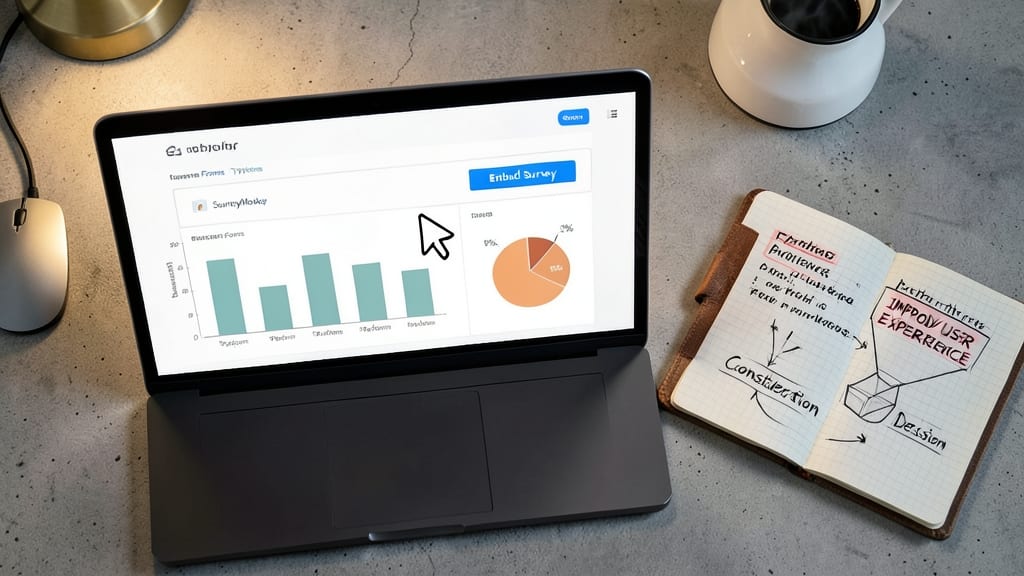
Turn post-campaign feedback into action with this Interactive Survey Feedback Template—designed to simplify data collection and analysis. Unlike static templates, this one includes embedded survey links (Google Forms, Typeform, or SurveyMonkey) and placeholder charts for visualizing responses, so you can track trends without switching tools.
The template features dedicated sections for open-ended responses, QR codes for mobile-friendly surveys, and pre-formatted tables to organize feedback by category. Simply replace the placeholder text with your survey links, and the built-in data visualization guides help you interpret results at a glance—no design skills required.
Perfect for product teams, event organizers, or marketers who want to measure engagement without the hassle of manual data entry. Close the loop on your campaigns with a template that turns feedback into insights. ✨