
Software
Small business owners need efficient tools to streamline operations without breaking the bank. These 10 free Excel templates solve common productivity challenges—from budgeting to inventory—so you can focus on growth instead of spreadsheets.
Small Business Budget Tracker Template
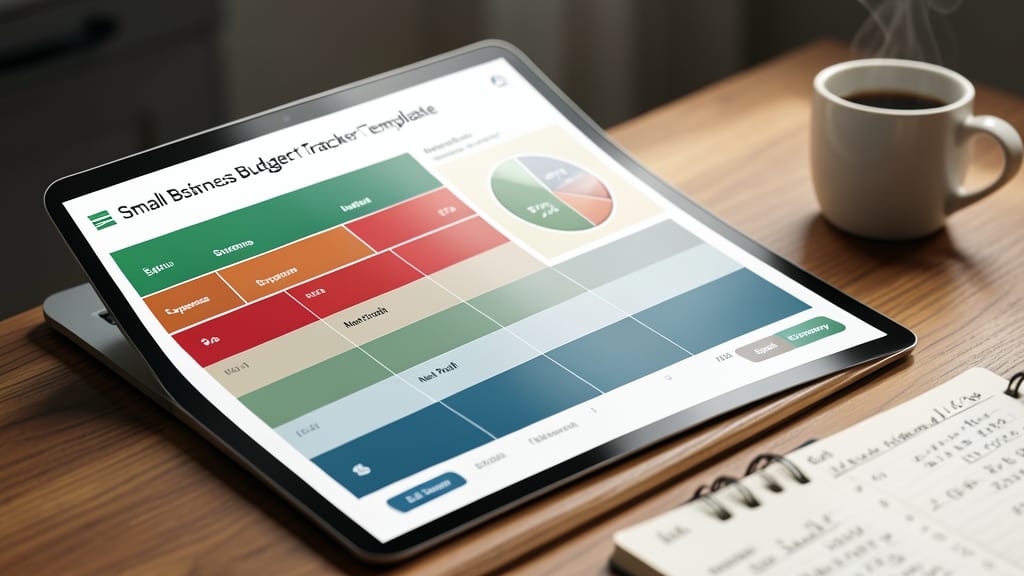
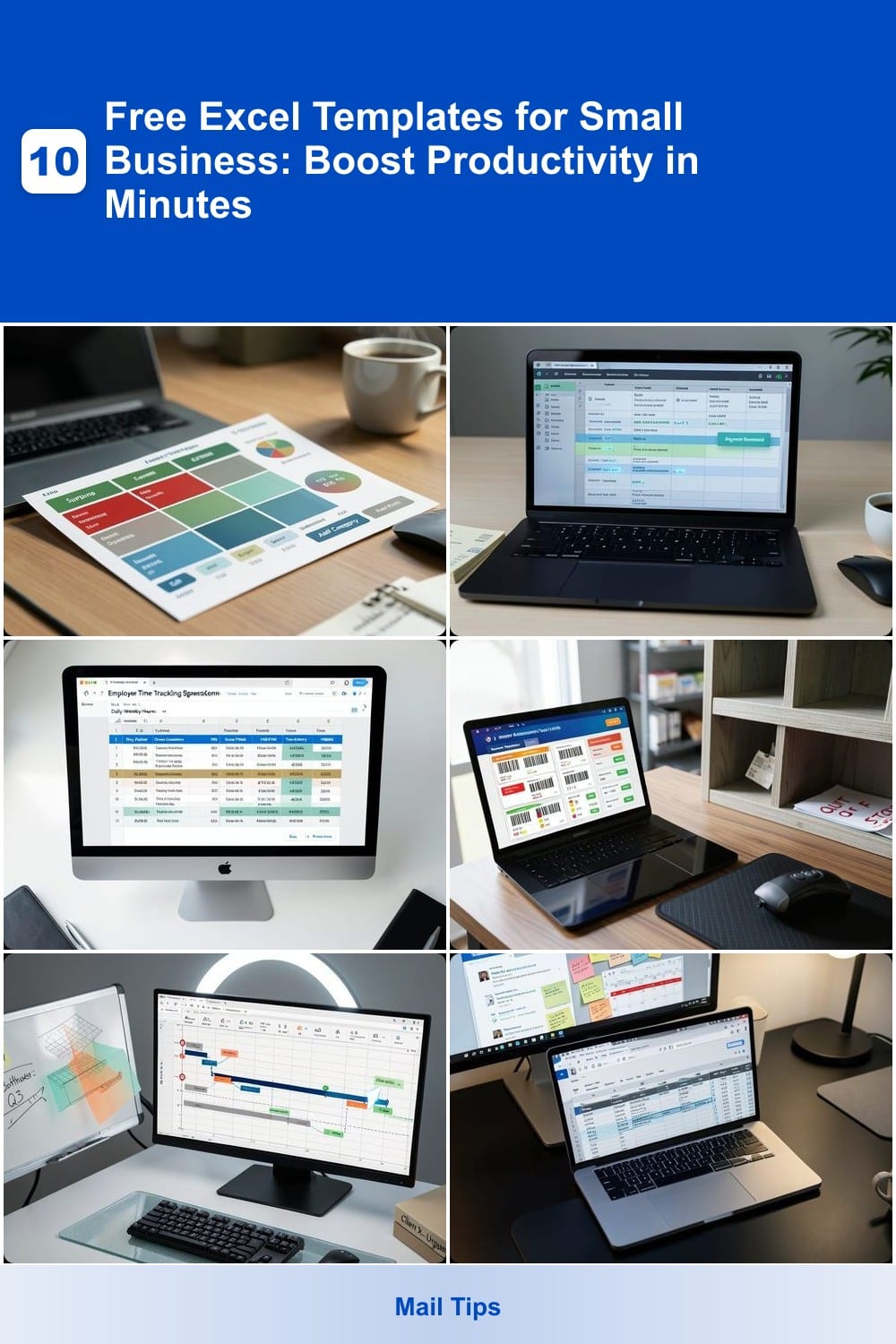
Tracking every dollar as a startup or freelancer shouldn’t feel like solving a puzzle. This Small Business Budget Tracker Template simplifies financial oversight with a color-coded dashboard that instantly highlights overspending or surplus areas—no accounting degree required.
The template includes pre-built formulas for monthly income vs. expense comparisons, customizable categories (e.g., marketing, utilities, payroll), and a pie chart visualization to spot trends at a glance. Compatible with Excel 2010 and later, it even syncs with Google Sheets for cloud access. Download it from Vertex42 or Microsoft’s official templates library for zero upfront cost.
Perfect for solopreneurs and small teams who need real-time financial clarity without complex software. Start by inputting last month’s data—you’ll see where your money actually goes. ✨
Invoice and Receipt Generator Template
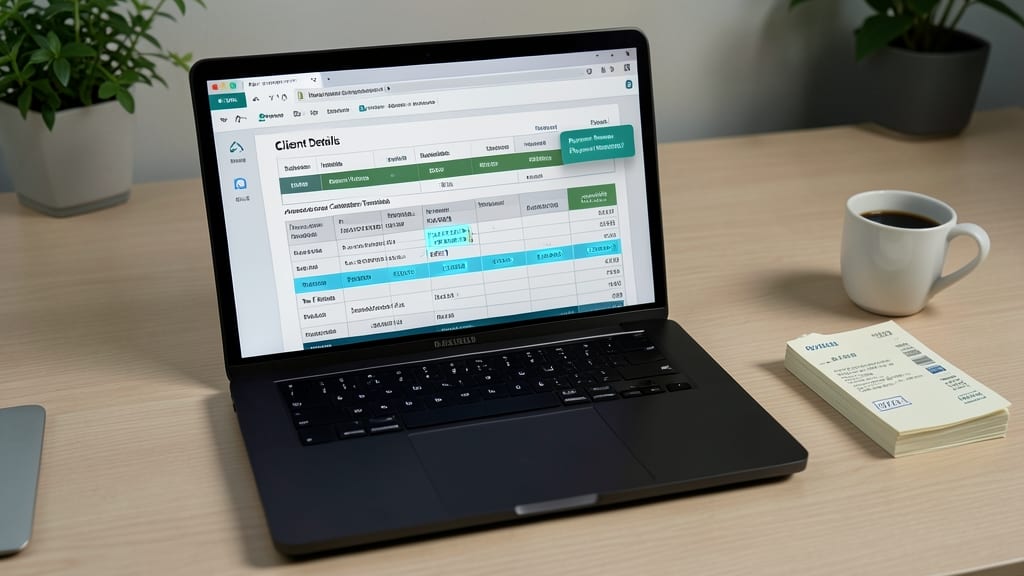
Say goodbye to late-night invoice headaches with a fully automated template that handles calculations, taxes, and even payment reminders for you. This isn’t just a spreadsheet—it’s a professional-grade tool designed to save you hours every month.
The template includes pre-built tax fields for your region, customizable branding (add your logo and colors), and automated payment terms with follow-up reminders. You’ll also find client tracking fields to log service details, due dates, and payment status—all in one clean, printable layout. Compatible with Excel 2010 and later, it works offline or online, so you’re never left scrambling during client calls.
Perfect for freelancers, consultants, and service-based businesses, this template turns a tedious task into a seamless process. Just plug in your details, hit print, and watch your professionalism shine. ✨
Employee Time Tracking Spreadsheet
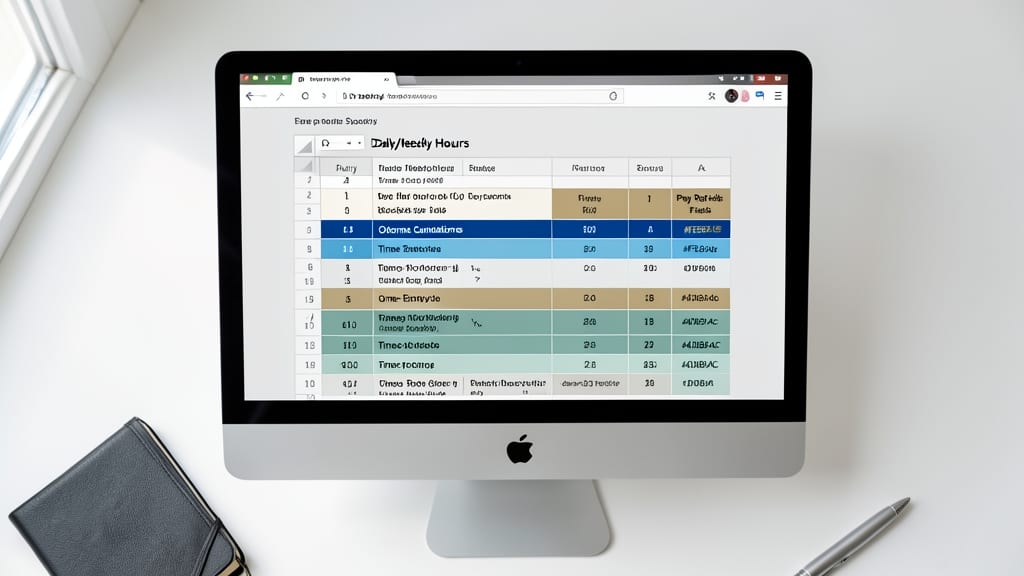
If payroll headaches and manual hour logs are draining your time, this Employee Time Tracking Spreadsheet is your game-changer. Designed for hourly businesses, it simplifies tracking with a pre-built grid for daily/weekly hours, automatic overtime calculations, and customizable pay rates.
The template includes PTO and sick leave tracking, exportable reports for payroll software, and even TSheets compatibility to sync with other time-tracking apps. No coding skills needed—just plug in your team’s hours, and the spreadsheet handles the rest, including taxable wage breakdowns.
Perfect for small shops, restaurants, or freelance teams managing contractors. Save hours weekly and eliminate guesswork in payroll prep! ⚡
Inventory Management Template

Running out of stock mid-sale is every small retailer’s nightmare—but this Inventory Management Template turns chaos into clarity. Designed for real-time tracking, it automatically flags low-stock items and suggests reorder points, so you never overbuy or run dry.
The template includes barcode integration for quick scanning, customizable alerts (email or desktop notifications), and a multi-warehouse view—critical for dropshippers managing multiple suppliers. Pre-built formulas handle automatic stock valuation and sales forecasting, while the drag-and-drop interface makes updates effortless.
Perfect for Etsy sellers, boutique owners, or Amazon FBA businesses, this template saves hours of manual counting. Just plug in your product list, and let Excel handle the rest—no coding required. ✨
Project Management Timeline Template

Juggling multiple projects with overlapping deadlines? A Gantt chart-style timeline template turns chaos into clarity by mapping out tasks, milestones, and dependencies in one visual roadmap. Unlike basic to-do lists, this template lets you drag-and-drop phases, spot bottlenecks instantly, and adjust timelines without losing track of progress.
Look for a template with color-coded progress bars, automatic start/end dates, and dependency links (e.g., "Website Design" can’t launch until "Content Approval" is complete). Many free versions include Excel formulas to highlight delays and customizable phases for freelancers managing client work. Vertex42’s offering even syncs with Google Sheets for cloud collaboration.
This is your secret weapon if you’re a freelancer juggling client projects, a solopreneur launching products, or a small team coordinating deliverables. Just plug in your tasks, set deadlines, and watch your workflow transform from scattered notes to a battle-tested plan. ✨
Client Management Database Template

If juggling client details feels like herding cats, this Client Management Database Template brings order to the chaos. Designed for service providers, it consolidates contacts, service notes, and follow-ups in one searchable spreadsheet—no more lost emails or missed touchpoints.
The template includes customizable fields for contact info, project timelines, and status tags (e.g., "Active," "Follow-Up Needed"), plus built-in automated reminders for deadlines. With color-coded rows and a simple interface, you’ll spot red flags (like overdue payments) at a glance. Best of all, it syncs seamlessly with Excel Online for team access.
Perfect for coaches, agencies, and freelancers who rely on client relationships—this template turns disorganized notes into a strategic asset. 💻
Expense Report Template for Teams

Say goodbye to lost receipts and endless email chains—this Expense Report Template for Teams lets your whole organization track shared costs in one place. Designed for startups and remote teams, it includes multi-user access, approval workflows, and customizable categories for travel, office supplies, and more.
The template features automated expense categorization, receipt upload fields, and status tracking (pending, approved, rejected) to keep everyone on the same page. You can even set spending limits and departmental budgets to prevent oversights. Best of all, it’s fully compatible with Excel Online and desktop versions, so your team can collaborate in real time.
Perfect for startups with remote teams or shared budgets, this template cuts down on manual data entry and approval delays. 💻
Sales Pipeline Tracker Template
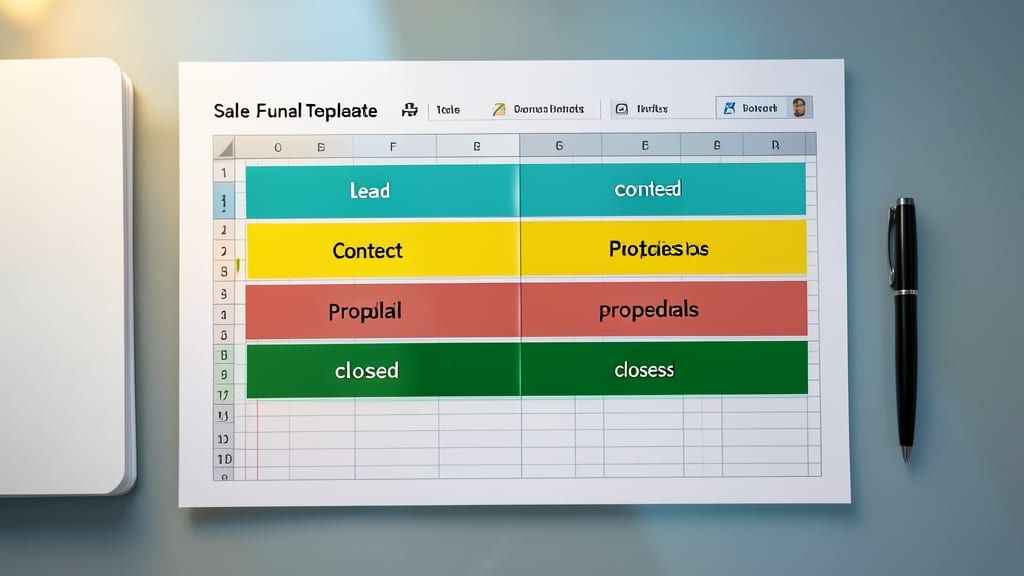
Turn your sales chaos into a clear, actionable pipeline with this visual funnel template designed to track leads from first contact to closed deal. Unlike generic spreadsheets, this template uses color-coded stages (lead, contact, proposal, closed) with conditional formatting to highlight high-priority opportunities at a glance.
The drag-and-drop deal tracker includes automated probability fields (e.g., 20%, 50%, 80%) to calculate pipeline value, while built-in follow-up reminders ensure no opportunity slips through the cracks. Compatible with Excel 2010+, it syncs seamlessly with Google Sheets for cloud collaboration—ideal for remote teams.
Perfect for service-based businesses, real estate agents, or SaaS startups where deal flow is unpredictable. Focus on what moves the needle by spending less time organizing data and more time closing sales. ✨
Break-Even Analysis Calculator Template
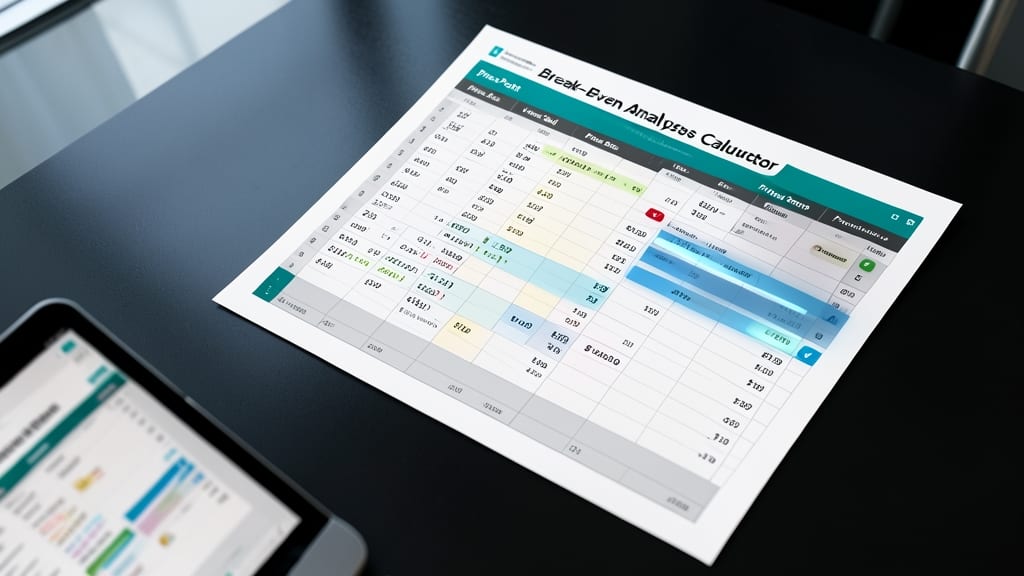
If you’ve ever wondered whether your product’s price point is sustainable—or how many units you actually need to sell to turn a profit—this Break-Even Analysis Calculator is your answer. Unlike generic financial tools, it’s designed specifically for product-based small businesses, cutting through the guesswork with a pre-built formula that accounts for fixed costs, variable expenses, and pricing strategies.
The template includes a dynamic graph that visually maps your break-even point, along with sliders to adjust pricing, unit costs, and sales volume in real time. No advanced Excel skills required—just plug in your numbers, and it instantly calculates whether you’re on track to profitability. For example, if your fixed costs (rent, salaries) are $10,000/month and your variable cost per unit is $5, the template will tell you exactly how many units you need to sell at $20 each to break even.
This is a game-changer for e-commerce sellers, artisans, and manufacturers testing new products or adjusting pricing. Whether you’re launching a handmade jewelry line or scaling a dropshipping store, this tool helps you make data-driven decisions before investing in bulk inventory. ✨
Social Media Content Calendar Template
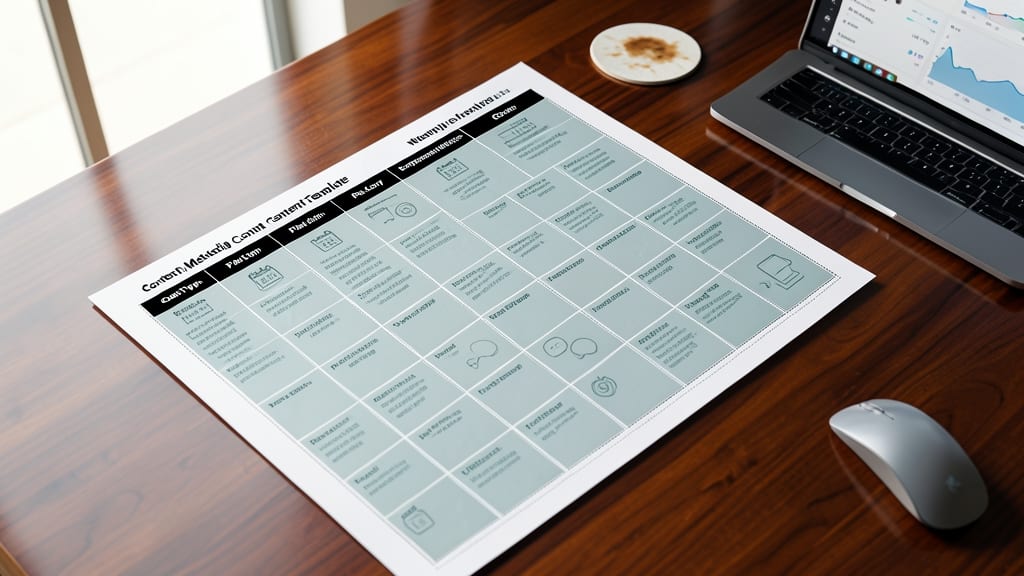
If your social media presence feels chaotic and uncoordinated, this Social Media Content Calendar Template brings structure without the complexity. Designed for solopreneurs and agencies, it combines scheduling, engagement tracking, and goal alignment into one monthly planner—no need for multiple tools or apps.
The template includes color-coded post types (e.g., promotions, engagement, behind-the-scenes), engagement metrics tracking, and marketing goal alignment sections to ensure every post supports your business objectives. Pre-built formulas automate reminders, so you’ll never miss a deadline again—just plug in your content and let the system do the rest.
Ideal for freelancers managing multiple platforms or small agencies juggling client accounts, this template turns guesswork into strategy. Download it, customize with your brand colors, and watch your social media game level up. ✨