Skip to content
Mail Tips

Mail Tips

  • All Articles
  • App
  • Coding
  • Hardware
  • More
    • Operating System
    • Outlook
    • PowerPoint
    • Review
    • Software
    • Tip & Trick
    • Troubleshooting
    • Windows

PowerPoint — Page 2

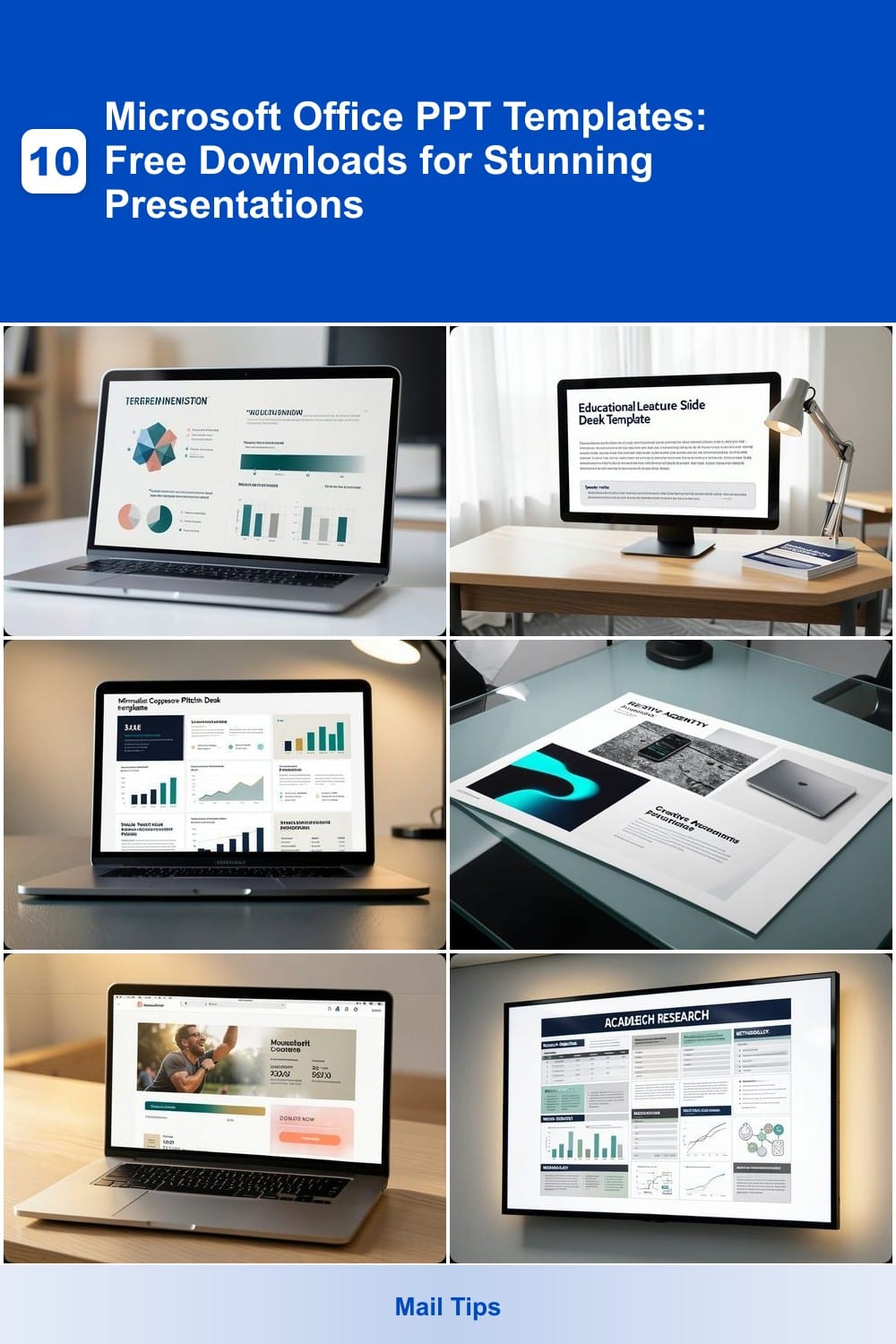
10 Microsoft Office PPT Templates: Free Downloads for Stunning Presentations
October 15, 2026 by Gordon Dubois
10 Microsoft Office PPT Templates: Free Downloads for Stunning Presentations

Struggling to find professional PowerPoint templates that elevate your presentations without breaking the bank? These 10 free Microsoft Office-compatible PPT templates deliver stunning designs for business, education…
Read more

Categories PowerPoint

Powerpoint Can Attempt to Repair the Presentation: Instant Fix for Corrupted Files

November 6, 2026 by Gordon Dubois
Powerpoint Can Attempt to Repair the Presentation: Instant Fix for Corrupted Files

PowerPoint's "attempt to repair" prompt saved me from losing a client presentation last week after a mid-edit crash. That moment of panic—when you realize hours of work might vanish—is why I've tested every recovery…

Read more

Categories PowerPoint

Where Is Reuse Slides Feature in PowerPoint: Exact Location and Quick Access Shortcut

October 17, 2026 by Gordon Dubois
Where Is Reuse Slides Feature in PowerPoint: Exact Location and Quick Access Shortcut

💥 Quick Answer To find the Reuse Slides feature in PowerPoint, check the New Slide dropdown under the Home tab on desktop. Mobile users tap New Slide > Reuse Slides in the menu. This lets you pull slides from other…

Read more

Categories PowerPoint

Where Is the Slide Navigation Pane in PowerPoint: Hidden Location and How to Reopen It

October 13, 2026 by Gordon Dubois
Where Is the Slide Navigation Pane in PowerPoint: Hidden Location and How to Reopen It

💥 Quick Answer The slide navigation pane in PowerPoint is typically located on the left side of the screen by default, showing thumbnails of all slides. If hidden, right-click the gray bar where it should appear and…

Read more

Categories PowerPoint
Page1Page2

About Me

Gordon Dubois

Gordon Dubois
My first computer was a clunky desktop my dad built from spare parts in his garage, and I spent hours figuring out how to make it do things it wasn’t supposed to. That curiosity never left me—I still love diving into the nitty-gritty of how tech works, from troubleshooting glitches to discovering new tools that make life easier. Here, I aim to break down tech into clear, actionable steps, whether you're setting up a new device or just trying to make your old computer run smoother.

Learn more

Recent Posts

  • How to Check Xbox Purchase History on Pc: Step-by-Step PC Access Guide
    How to Check Xbox Purchase History on Pc: Step-by-Step PC Access Guide
  • How to Convert Text to WordArt in PowerPoint: Instant Professional Design in Seconds
    How to Convert Text to WordArt in PowerPoint: Instant Professional Design in Seconds
  • How to Enter Bios on Surface Pro: Firmware Update Checklist Before Booting
    How to Enter Bios on Surface Pro: Firmware Update Checklist Before Booting
  • How to Install Snipping Tool Windows 11: Built-In Screenshot Secrets Every User Needs
    How to Install Snipping Tool Windows 11: Built-In Screenshot Secrets Every User Needs
  • How to Crop a Video in Clipchamp: Precision Trimming in Seconds
    How to Crop a Video in Clipchamp: Precision Trimming in Seconds
  • All Guides
  • About
  • Contact
  • Privacy Policy
  • Cookie Policy
  • Terms of Use
© 2026 mailtips.click